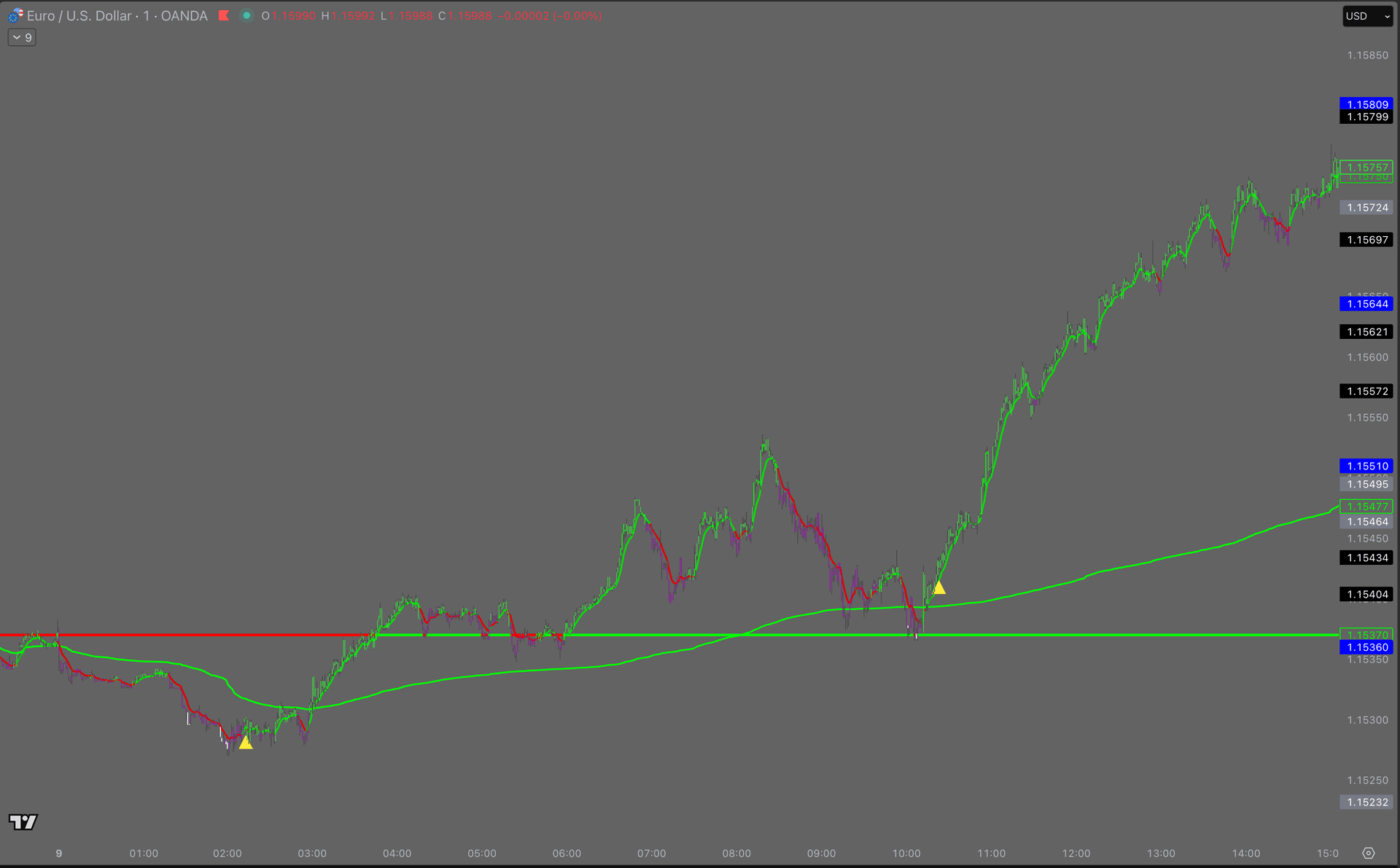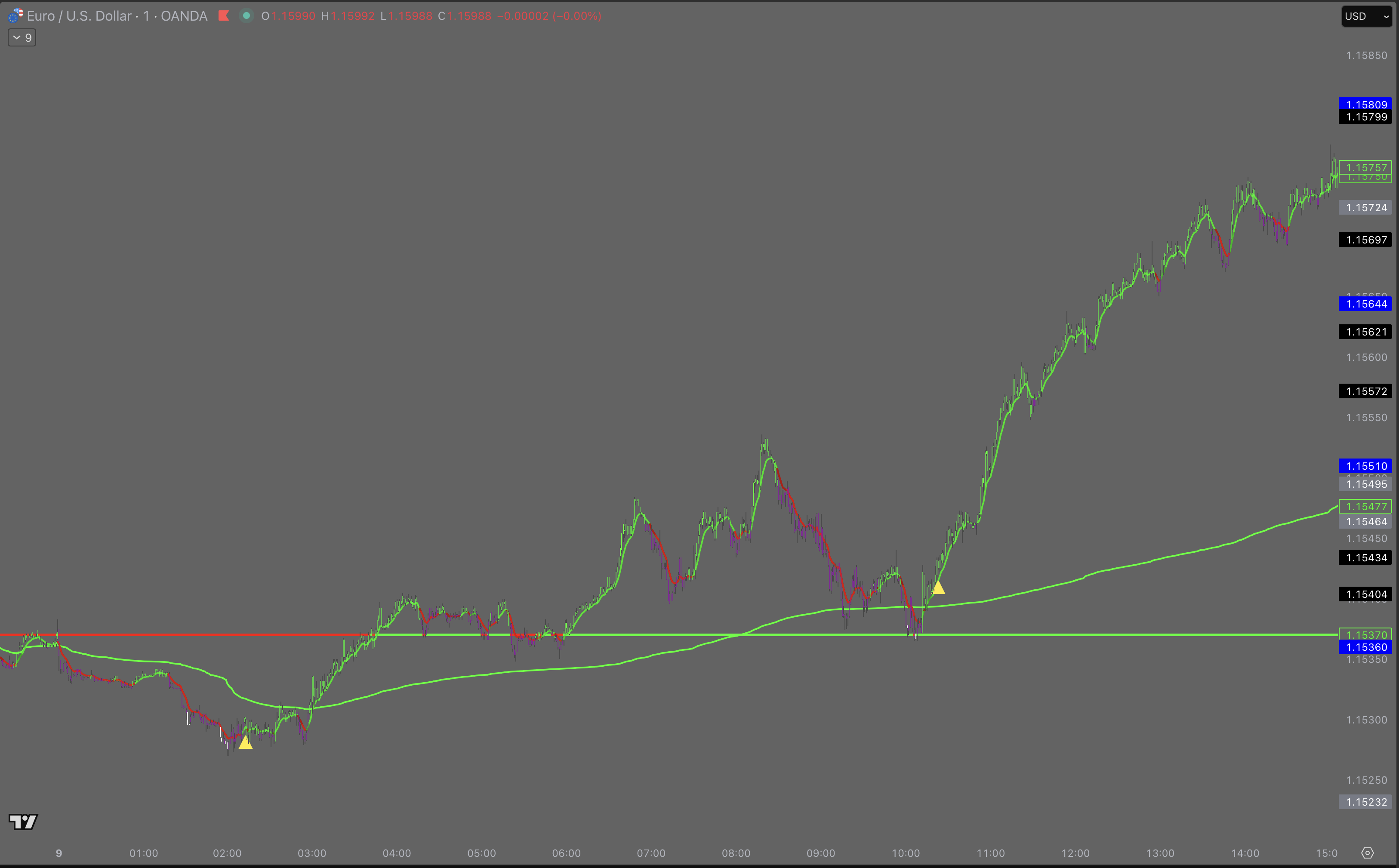
Six conditions, or nothing prints.
Bias, a stretched bar, MA structure, DI+ over DI− and the squeeze past zero must all agree on the same side.
- Prints once per leg, then re-arms
- Confirmed only once its bar has closed
Bias, session ranges, key levels and A+ setups on one TradingView overlay — the same read, every session.
Already in the Bootcamp? Log in to open your indicator
Indicator offWith ElaveWhat it draws
Bias, a stretched bar, MA structure, DI+ over DI− and the squeeze past zero must all agree on the same side.
BUY IDEA or SELL IDEA prints on the exact bar the read turns — and only on the first bar of a new side.
A 9-period EMA drawn as the reference you trail an open position against.
The session’s volume-weighted fair value, reset at the open — and one of the tool’s hard direction gates.
Today’s opening price, carried across the chart — green above, red below. The second hard gate.
Sessions, levels, setups
The five parts give you the side. These three give you the place: the range before each open, the levels price keeps respecting, and the moment every condition of an A+ setup lines up.
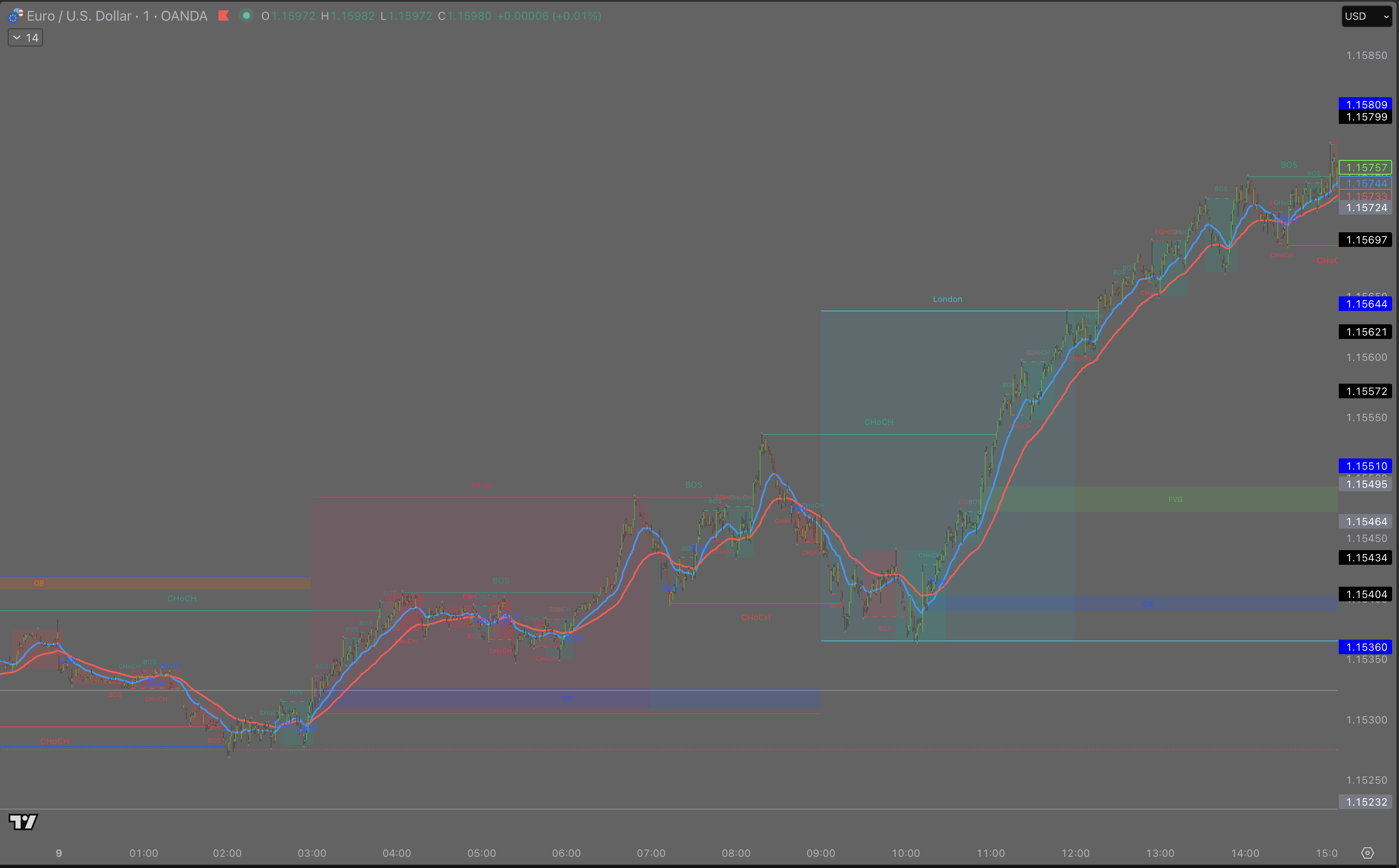
The Asia range (19:00–03:00 ET) is drawn into the London window, and the pre-New York range (08:00–09:30 ET) into the New York window — with its 50% line and the open price.
A level is drawn after price has reacted to it several times. The first close through it flips it (support becomes resistance), and it is dropped after a second close through. Thin lines, no clutter, the nearest ones beyond the session range.
An A+ needs the bias and the EMA9 trend on the same side, a green light earlier in that bias (a white or black candle, or a golden triangle), a liquidity sweep shortly before the gap (a wick through a prior high or low that closes back inside), a fair value gap that gets filled, then a close through the last swing (a structure break) — on the right side of VWAP.
How to use it
Before the open, read the side
Check the bias candles, the daily open and VWAP. Mark the pre-open range. If they disagree, today is a watch day.
Wait for price to reach a level
Let price come to a session-range edge or a key level on the right side of VWAP. In the middle of the range, there is nothing to do.
Take an A+ only with your own plan
When an A+ prints, it arms a limit on a Fibonacci level of the move. The stop and targets appear only if that limit fills — check them against your risk rules, size it yourself, and log it in your journal.
The missing piece
One side, decided before you click
The day’s direction settles on a closed bar.
Invalidation, drawn in advance
You know where the idea dies while you can still act.
An entry you can say out loud
Six conditions turn “it looked good” into a rule.
It refuses more than it fires
When the read disagrees, nothing prints.
The same read on every pair
Forex, indices, crypto — one grammar for all of them.
Nothing to configure mid-trade
No orders, no stops moved, nothing sized.
The bar language
Strong green
Full-confluence long
Light green
Partial long
Strong red
Full-confluence short
Light red
Partial short
Purple
Divergence — caution
White
Oversold stretch
Black
Overbought stretch
Off and on
Before
With Elave
Before
With Elave
Before
With ElaveAlso on the chart
Cumulative delta filter
Blocks longs unless buy-minus-sell volume is rising, shorts unless falling.
Fibonacci Golden Zone
Retracement levels with the 0.618–0.786 pocket shaded on the active leg.
Ten-symbol screener
Close, VWAP side, Daily Open side, stretch and bias for ten symbols at once.
Six TradingView alerts
Golden triangles, bias flips and higher-timeframe EMA switches.
Stretch states on the bars
The white and black extremes — the input the triangle needs to print.
Questions
It is included with the Elave Bootcamp. When your seat starts, you add your TradingView username here and a person switches it on. It then shows under Invite-only scripts in TradingView.
No. It draws lines, ranges and bar colours on your own TradingView chart. It places no orders, moves no stops and sizes nothing. Every decision stays yours.
No. A BUY or SELL IDEA label is the moment the read turns, not an instruction. The Bootcamp teaches when to act on it and when to ignore it.
Any chart TradingView can show: futures, indices, forex, metals, crypto. The session ranges and setups are built for intraday charts.
Levels, gaps and setups update on closed bars only. Swing points confirm a few bars late by design, so a structure break is drawn once it is real, not before.
No tool can promise that. The indicator puts the read the Bootcamp teaches on your chart; the captures on this page are past charts, not results. Trading futures carries a high risk of loss.
How to get it
When your Bootcamp seat starts, the desk adds the Elave indicator to your TradingView username.
On your own TradingView chart: the bias, the session levels and the bar colours the Bootcamp teaches from. It draws structure — it places no trades.

We use cookies to keep you signed in and, with your OK, to measure and improve Elave. Cookie policy